Print Layouts
It's possible to export laid out maps as PDF documents either with the default in-built one of QField or through project print layouts configured within QGIS.
Preparation of Print Layout
The layouts need to be pre-configured in the layout editor. You can choose whether it should be a general static layout or an "atlas-driven" layout, which dynamically prints an individual layout of every feature.
You can read more about Print Layouts Here And particularly, about Atlas-driven Layouts Here
Workflow
- Select New Print Layout from the Project Tab.
If you have existing ones already, you can access them through Layouts
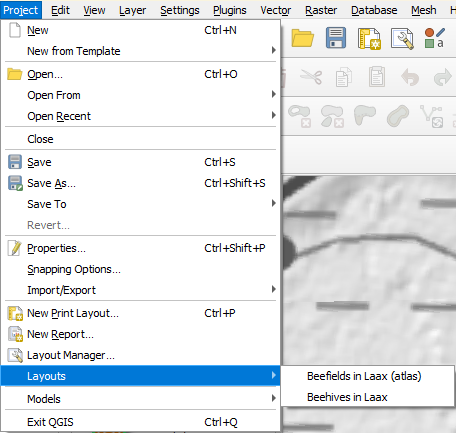
Print Layout - A new window will open, where you can customize your layout.
Example
Here is an example of an Atlas-driven Layout
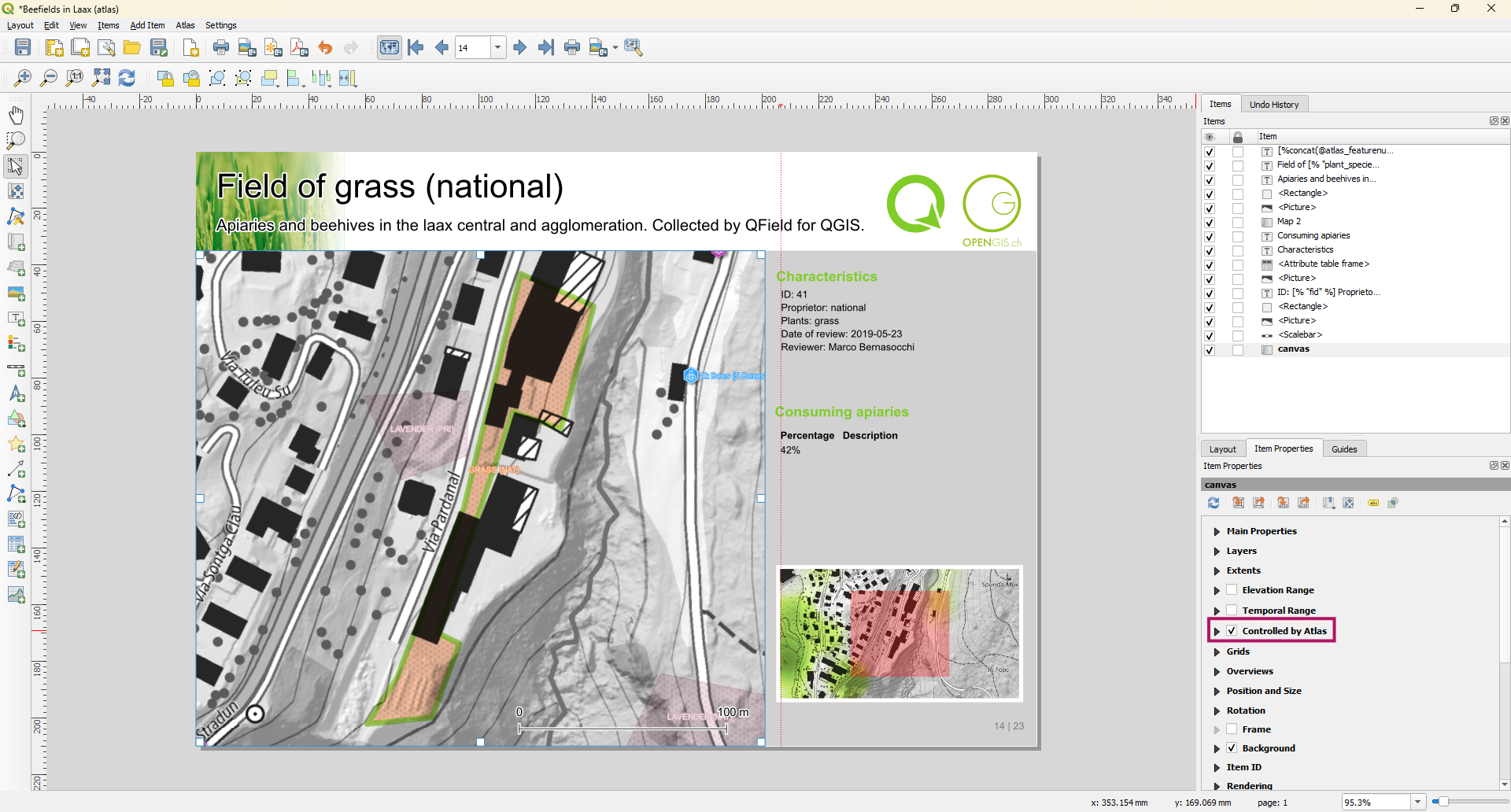
Note: It is important to enable the Controlled by Atlas Setting to enable the atlas.