Variables
QField supports creating and editing QGIS expression variables. Variables can be used for data-defined symbology, default attribute values, print layout controls, dynamic feature labels, and application behavior settings. Read more in the QGIS Variables Documentation.
QField supports two types of custom variables:
- Project Variables: Bound to specific QGIS project files (
.qgsor.qgz). - Global Variables: Application-wide variables defined locally on mobile devices.
Project Variables
Project variables store custom values relevant to specific projects. QField users can edit project variables on mobile devices, and modified values persist across app sessions.
Workflow
Adding a Project Variable
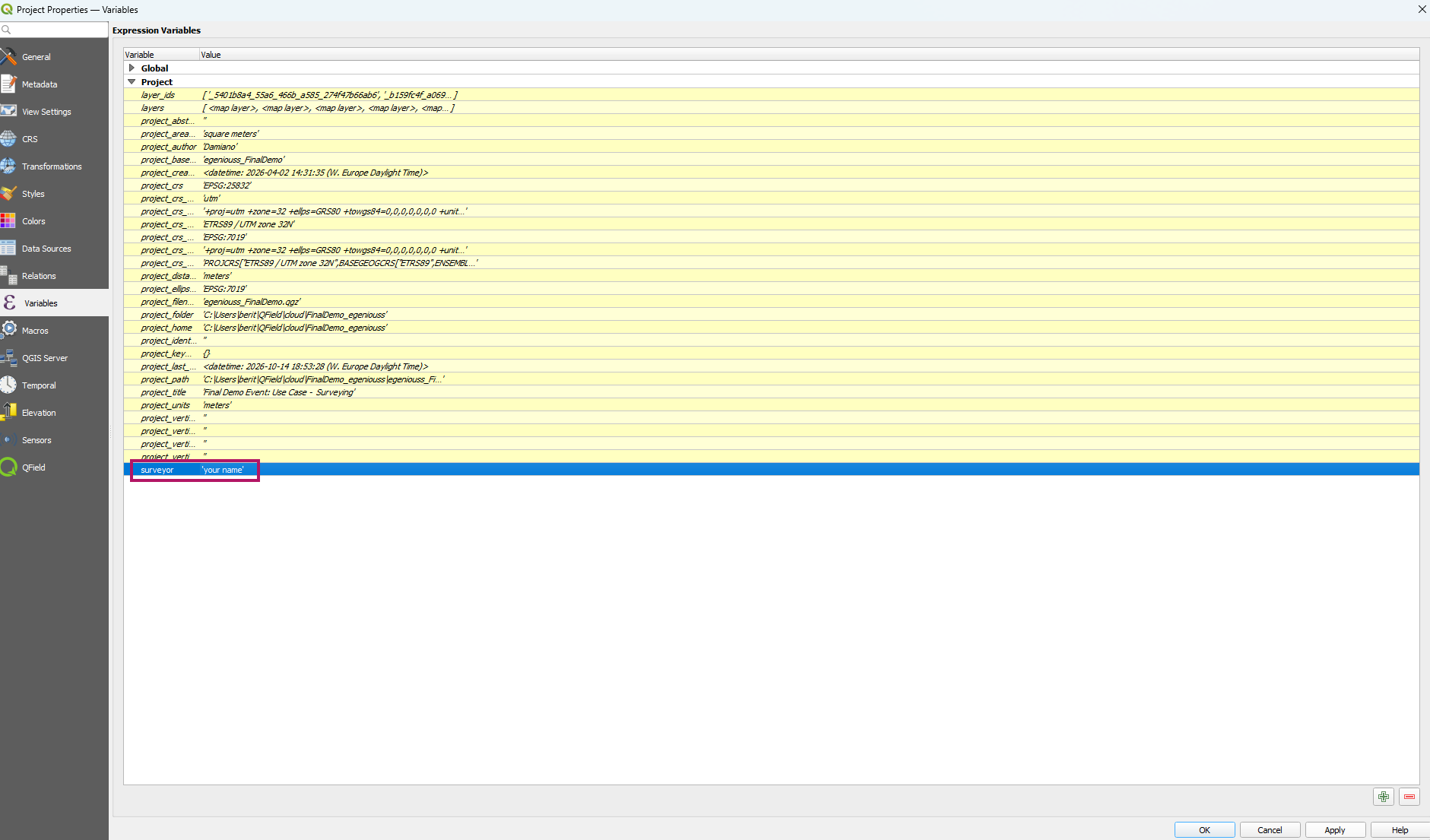
- In QGIS direct to project > properties.
- Change to the Variables section.
- Add your project variable (eg. surveyor)
Workflow
Adding a Project Variable
- In QGIS direct to project > properties.
- Change to the Variables section.
- Add your project variable (eg. surveyor)
Global Variables
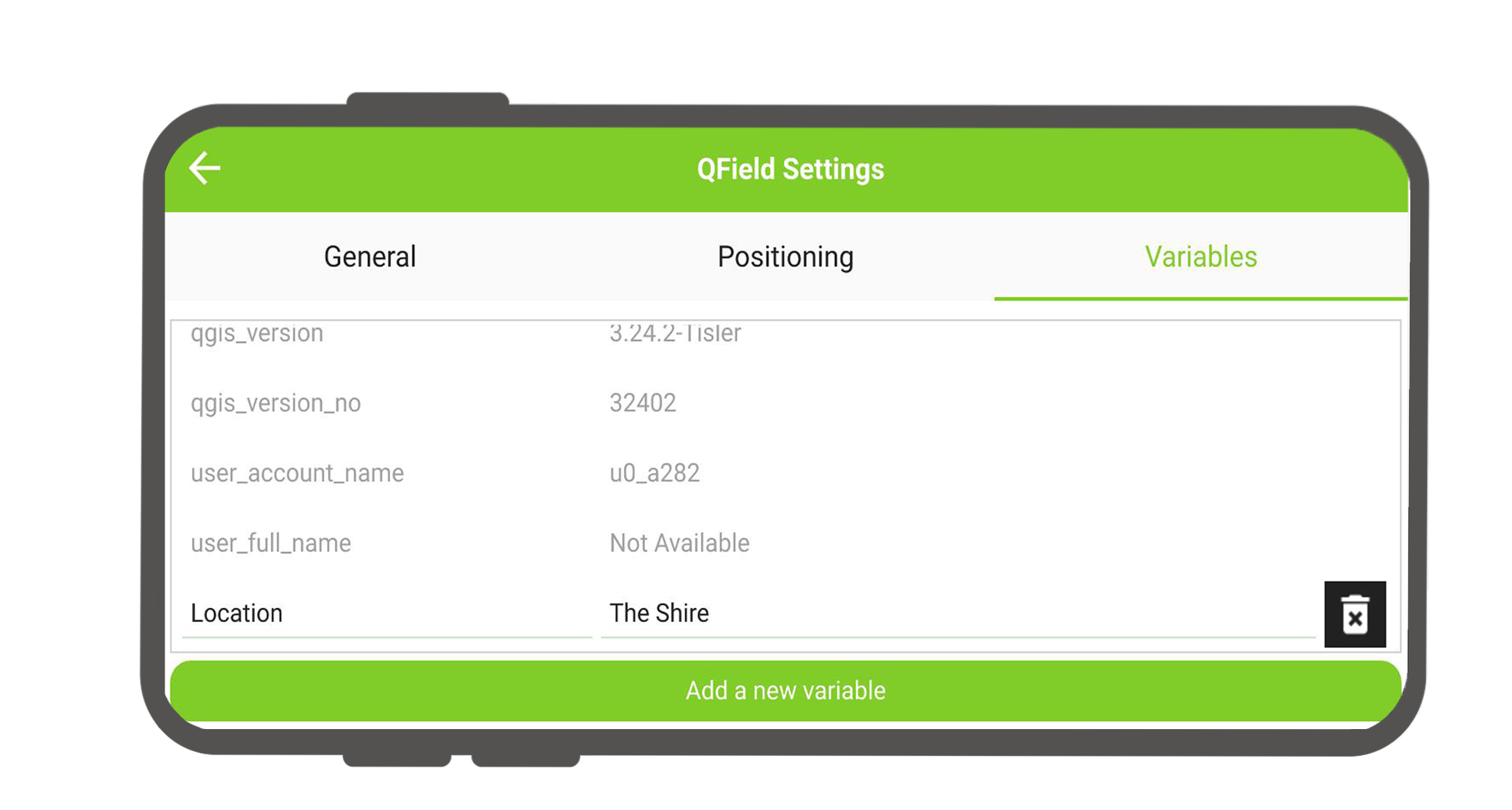
QField includes pre-configured, read-only system variables accessible under Side Dashboard > Settings > Variables. Custom global variables can be added or modified in QField and remain available across all local projects on the device.
Note
Read-only system variables vary depending on device platforms and hardware specs. These reflect the global variables available in the QGIS release used to build the installed QField version.
Useful Examples
Common expression variables used in field workflows include:
@cloud_username: Captures the username of the active QFieldCloud account.@qgis_locale: Retrieves the current system language code set in QField or QGIS.
Tip
If you do not use QFieldCloud, create a custom global variable (such as @user_id or @field_worker) on each device to record user identifiers in feature attribute forms.
See here how to work with variables in QField directly