Contributing to the Translation
Translations for QField are managed through the Transifex platform.
Accessing the Translation Platform
Workflow
- Navigate to the OPENGIS Dashboard on Transifex.
- Log in or create an account on Transifex.
Choosing a Language to Contribute
Workflow
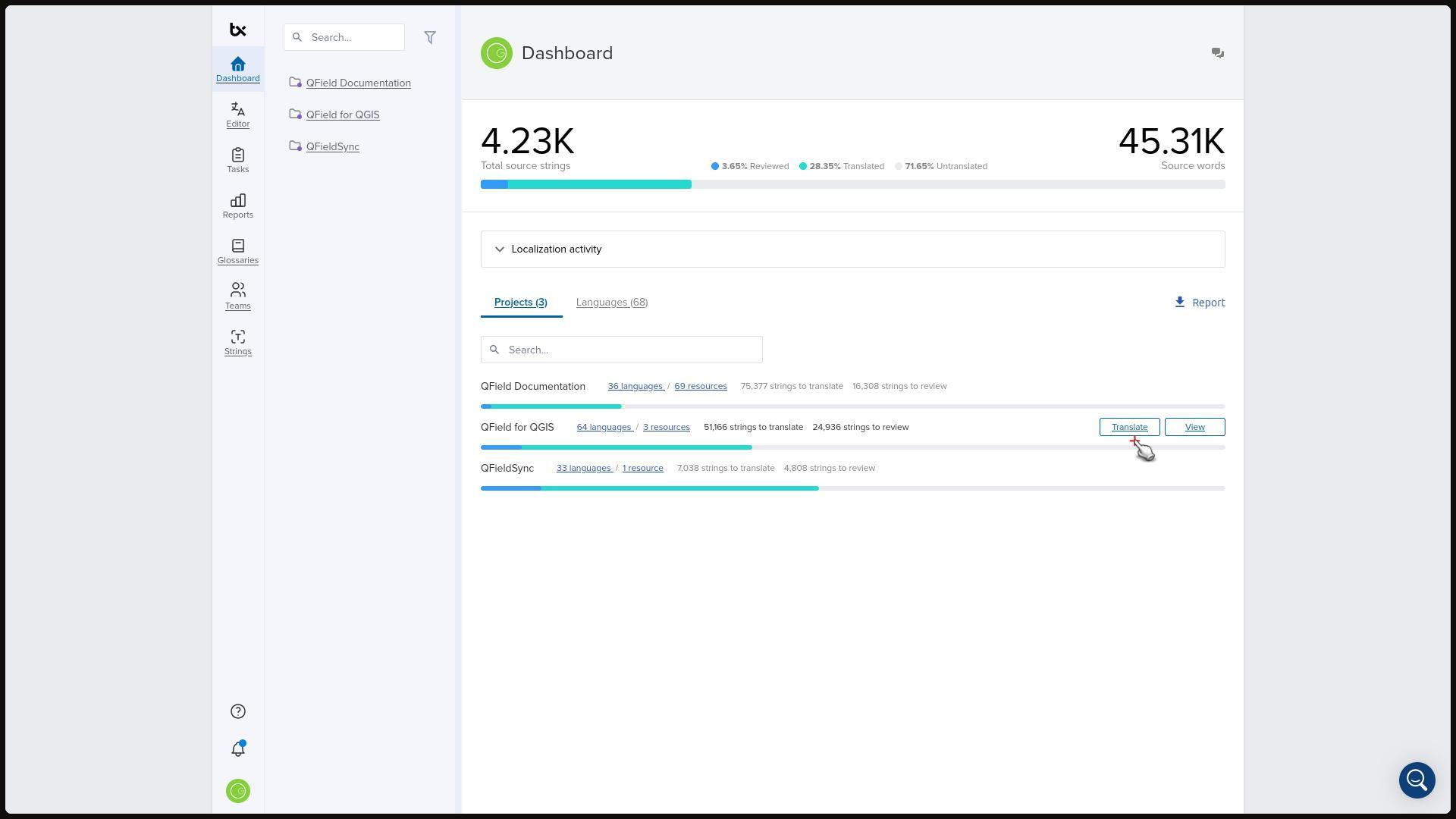
- Select the project you want to contribute to.
- Select your target language.
- Locate languages that require translation (indicated by a "Translate" button).
- Click "Translate".
- Click "Join Team" and wait for email approval.
Navigating to the Translation Interface
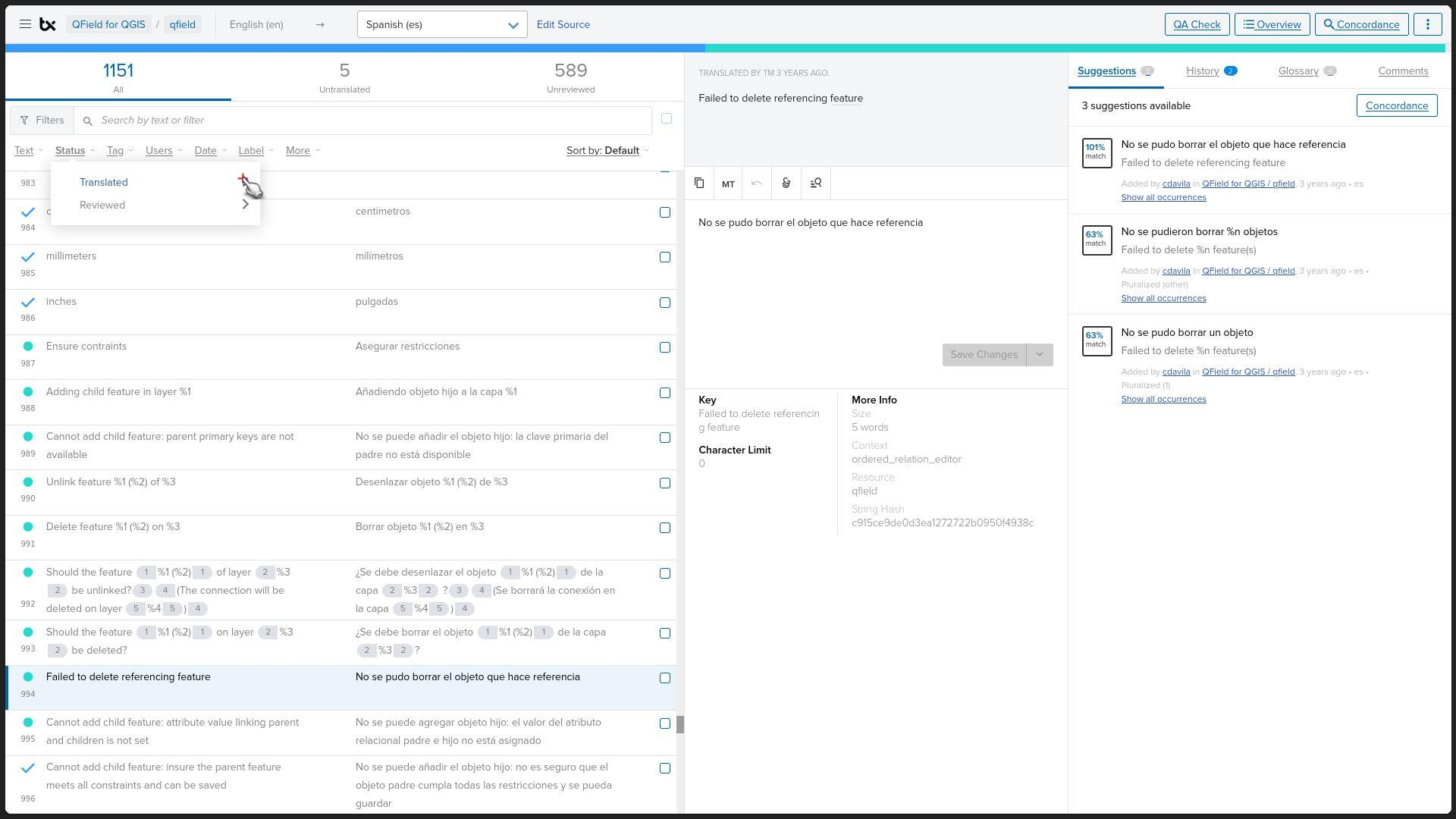
Filter strings to streamline your translation work.
Workflow
- Click the "Status" dropdown menu.
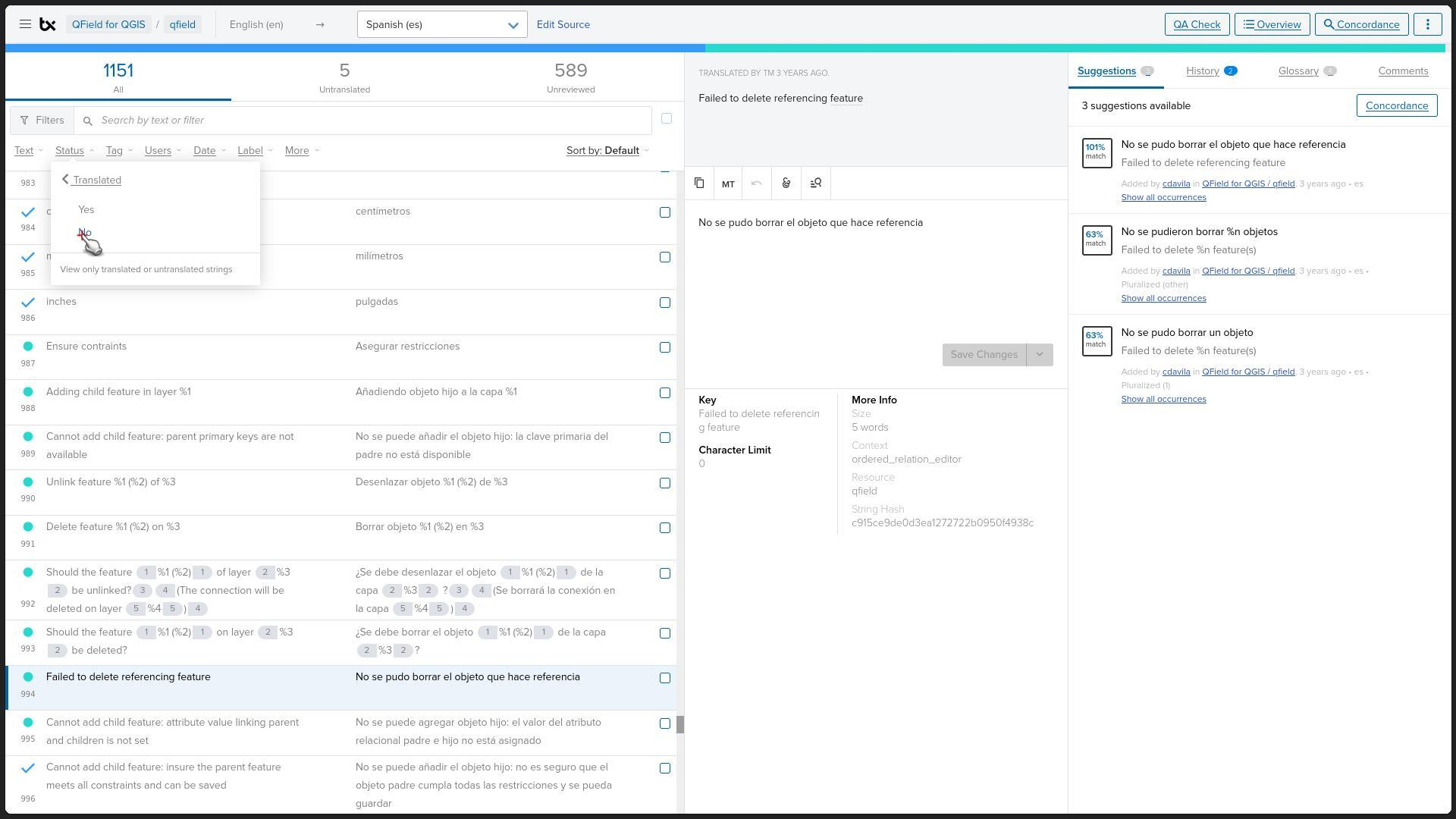
- Select "Translated".
- Select "No" to display untranslated strings.
Translating Strings
Workflow
- Enter the translation into the "Type your translation here" field.
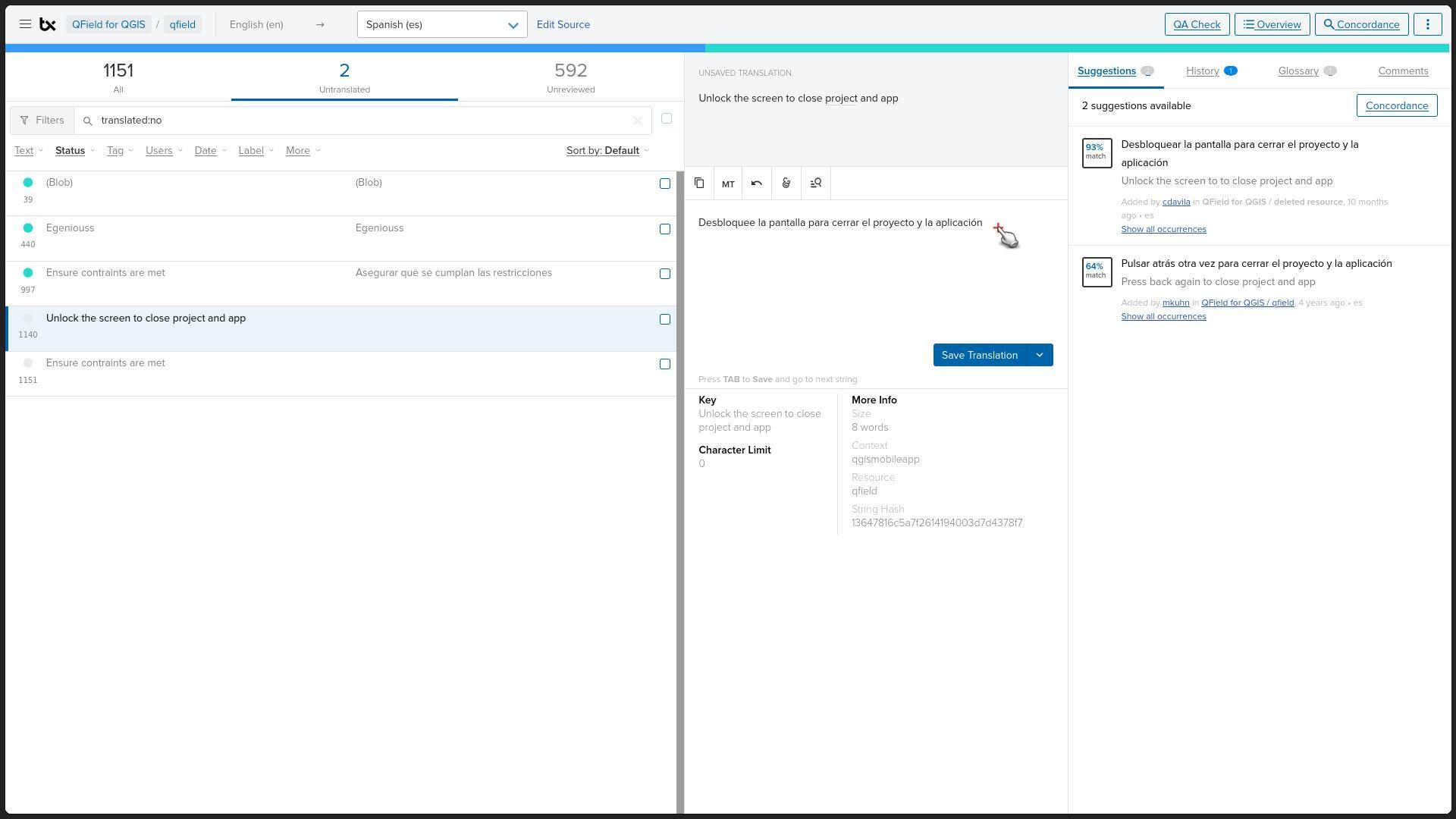
- Ensure the translation is accurate and contextually appropriate.
- Click "Save changes".
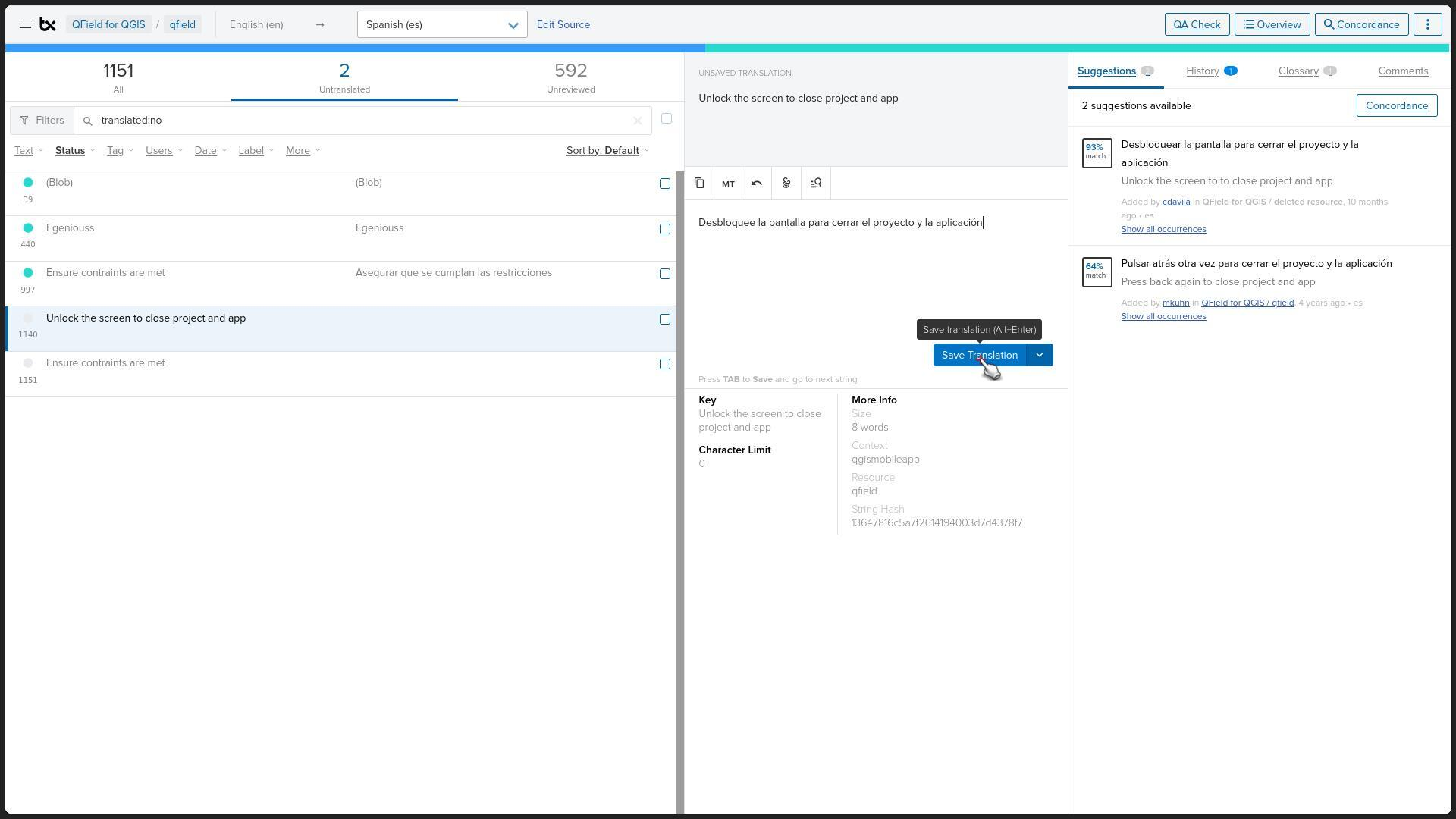
Follow these guidelines while translating:
- Preserve Letter Cases: Retain uppercase and lowercase letters as required.
- Preserve Reserved Words and Formatting: Do not alter placeholders such as
(),%1,<strong>, or<br>.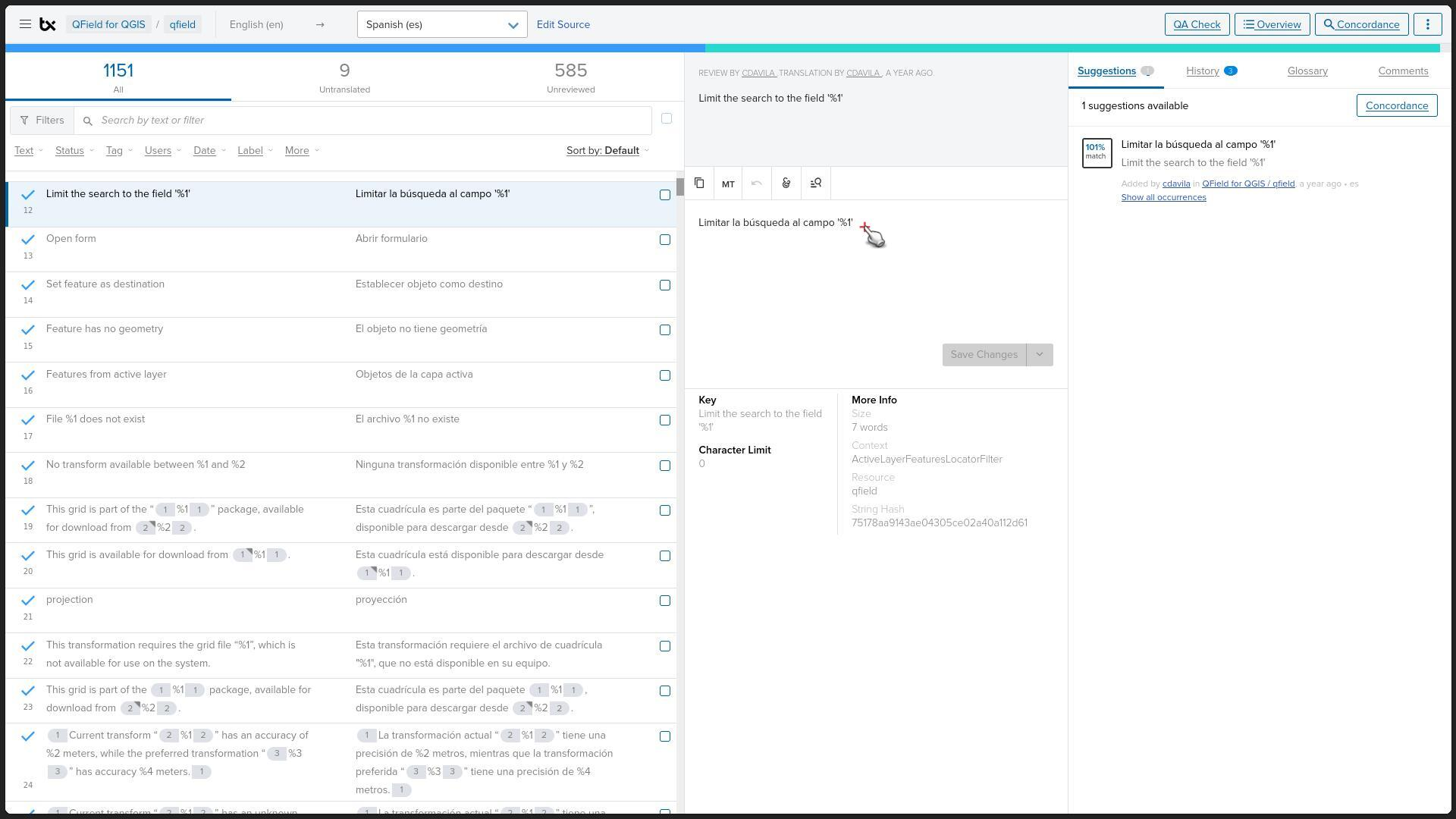
Reviewing Your Translation
Confirm that translations align with the guidelines provided in the Translation Process.
Synchronization and Testing
Translations synchronize daily with the master QField codebase.
You can view the most recent translations by downloading the QField Beta Application which allows you to access new release builds early.
If your language is not listed, open an issue on the GitHub Repository specifying the target language you want to translate.