Processing Algorithms
QField provides processing algorithms to modify digitized vector features and geometries directly on your mobile device.
Accessing Available Algorithms
Feldarbeit
Run processing algorithms against one or more vector features using the identification menu.
Workflow
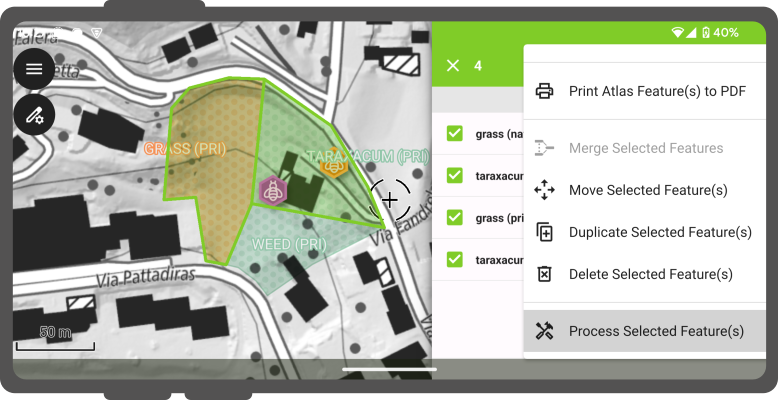
- Tap features on the map canvas to open the identification list.
- Long-press a feature in the identification list to enter multi-selection mode.
- Select target features to process.
- Tap the three-dotted menu (⋮) and select Process Selected Feature(s).
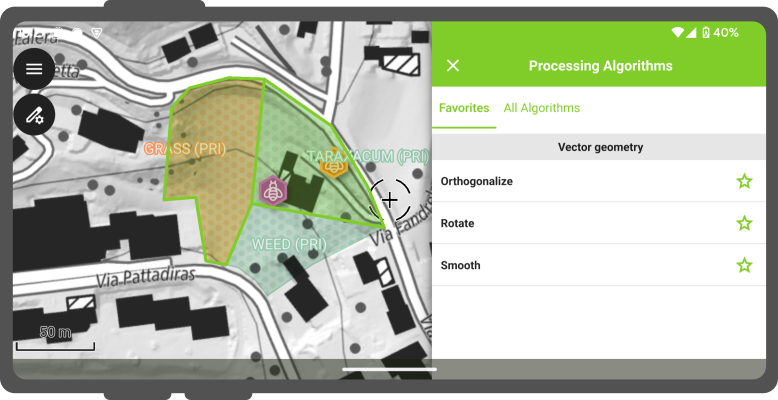
By default, QField displays algorithms marked as favorites. Switch to the All algorithms tab to view the full library of available tools and toggle favorite status for individual algorithms.
Running an Algorithm
Feldarbeit
Select an algorithm to configure parameters and execute spatial operations.
Workflow
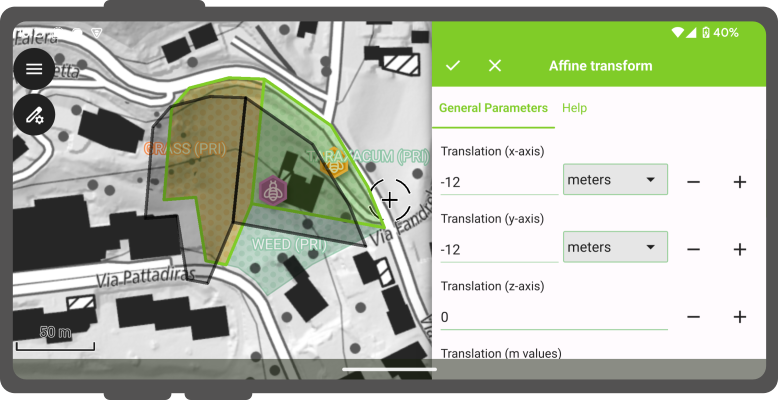
- Select an algorithm from the processing drawer.
- Configure parameters under the General and Advanced tabs. (Switch to the Help tab to view detailed functional documentation for the selected algorithm).
- Inspect the live map preview overlaid on the map canvas as parameters are adjusted.
- Tap the checkmark button (✔) in the drawer title bar to run the algorithm and apply geometry modifications.