Variables
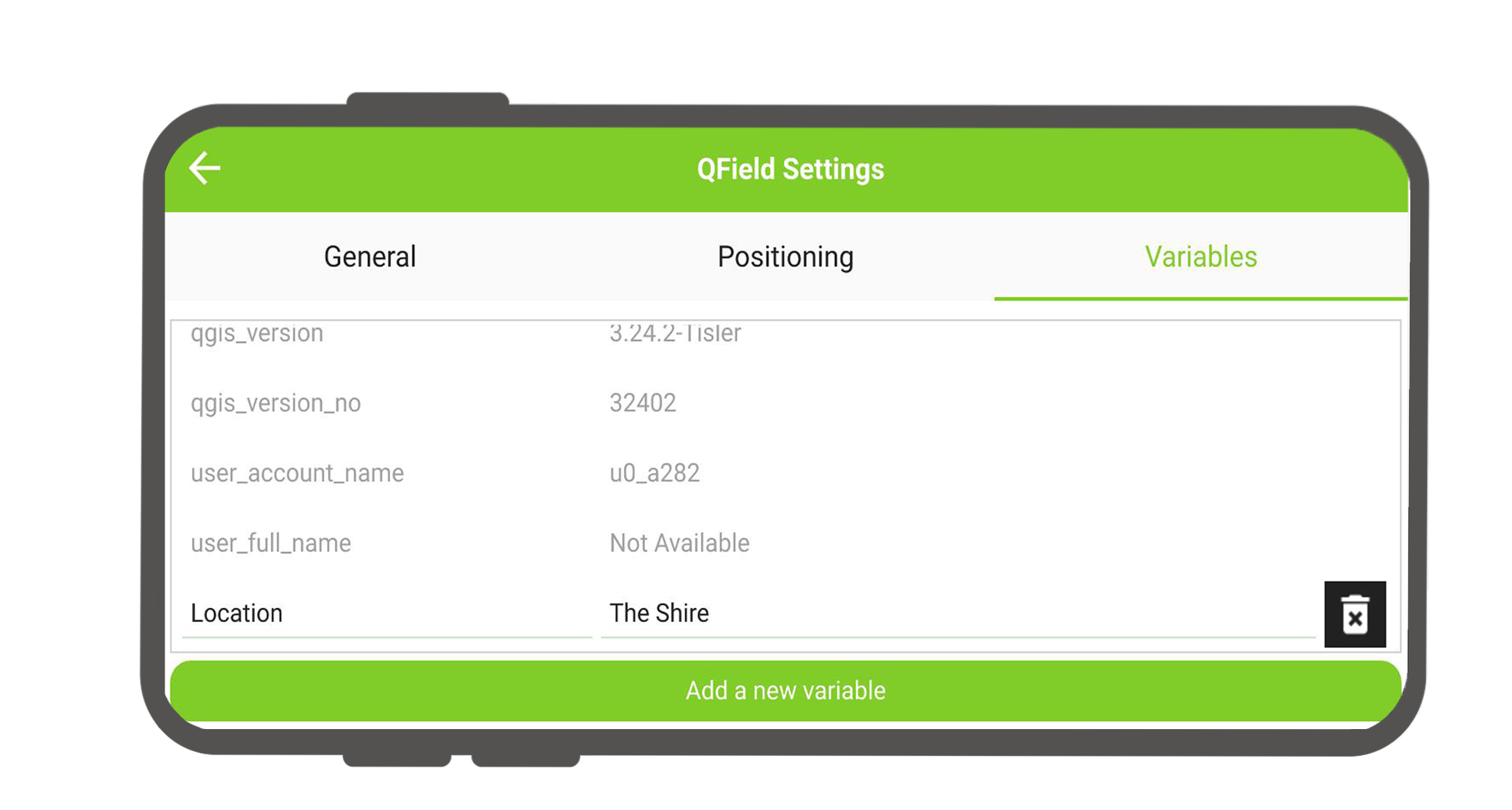
QField allows users to add and edit expression variables. These can be used for a wide range of applications, including data-defined symbology, setting default field values, controlling print layout and application behavior, and much more. See the relevant QGIS documentation for more information.
Variable management in QField
If your project contains project-specific variables, they will be editable under the variable settings.
Workflow
- Open the Side Dashboard
- Tap on the 3-dotted-menu and tap Settings
- Switch to the Variables Tab. Here you will see a list of all variables currently applicable to your project.
- Click on Add a new variable at the bottom of the variable list. 4a. If you want to modify a project specific variable (it will appear above the "general" variables).
- Enter the name and value for your new variable and save.
See here to learn more about variable management and how to configure the QGIS project.