QField plugins
If you are familiar with QGIS plugins, you will know that plugins add additional functionalities to your core application.
QField comes with a set of plugins, which you can activate through the settings menu.
Note
A permission dialog is shown prior to activating a plugin, providing you with the possibility of granting or denying individual plugins.
Workflow
- Open the Side Dashboard
- Tap on the 3-dotted menu and open the plugin manager
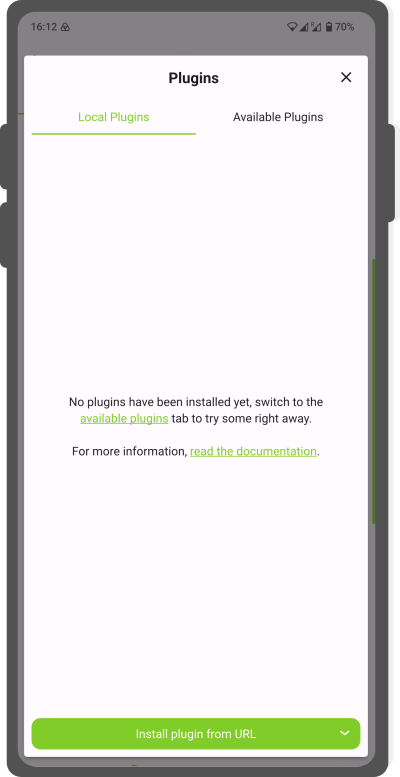
Plugin Local 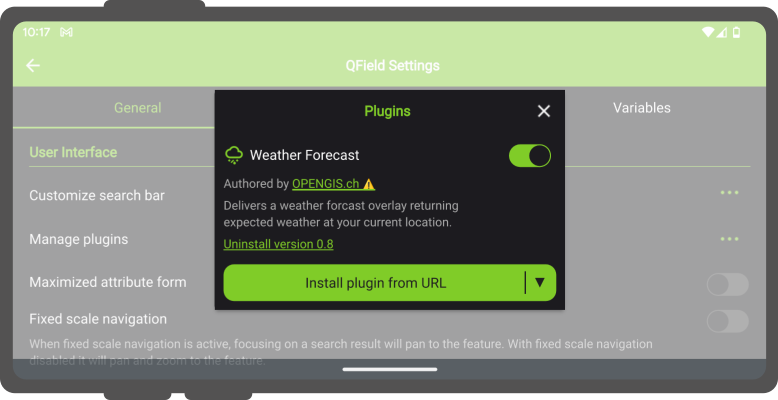
Plugin Applications - Either choose from the existing application plugins or import your plugin through the Local Plugins dialog.
Note
Every time you install a plugin, you will be asked for granting permissions.