PDFに印刷する
You can print your maps as PDF documents either by using the default in-built template or using print layouts. The latter, however, need to be pre-configured in your QGIS project.
Print all objects
You can print all your objects from the Side Dashboard or use the ones that are custom to your project.
Workflow
- Open the Side Dashboard
- Tap on the
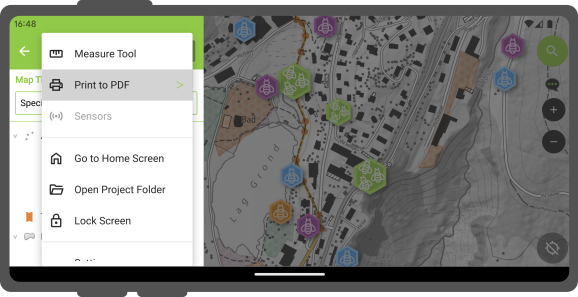
- Select the desired Layout.
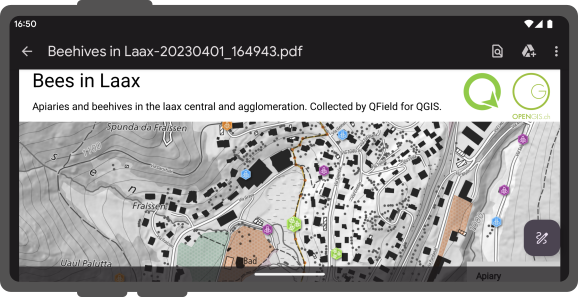
- Once the export is finished, the created PDF document will open by default.
Print selected objects
Workflow
- Tap on an object and long-press on it to select it.
- Add all objects to your selection.
- Open the 3-dotted menu (⋮)
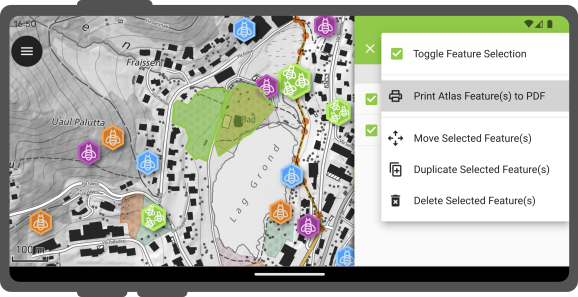
- Tap on Print Atlas Feature(s) to PDF.